
Simple Bookkeeping Software: What Small Business Owners Actually Need

Bookkeeping software can have hundreds of features and still leave a small-business owner wondering what they are supposed to do next.
That’s the part I think gets lost when people talk about “easy” accounting software.
Easy is not the same as limited. And simple does not mean the books can be sloppy.
A straightforward business still needs accurate transactions, reconciled accounts, reliable reports, and a way to fix mistakes. What it may not need is a system that makes the owner learn every accounting feature before they can confidently keep their own books.
If you are looking for simple bookkeeping software, I would judge it by a different question:
Does this system make the bookkeeping process easier to understand while still giving me enough control to trust the result?
Here are the seven things I think matter most.
1. A clear place to see what needs your attention
When you open bookkeeping software, you should not have to hunt for the work waiting on you.
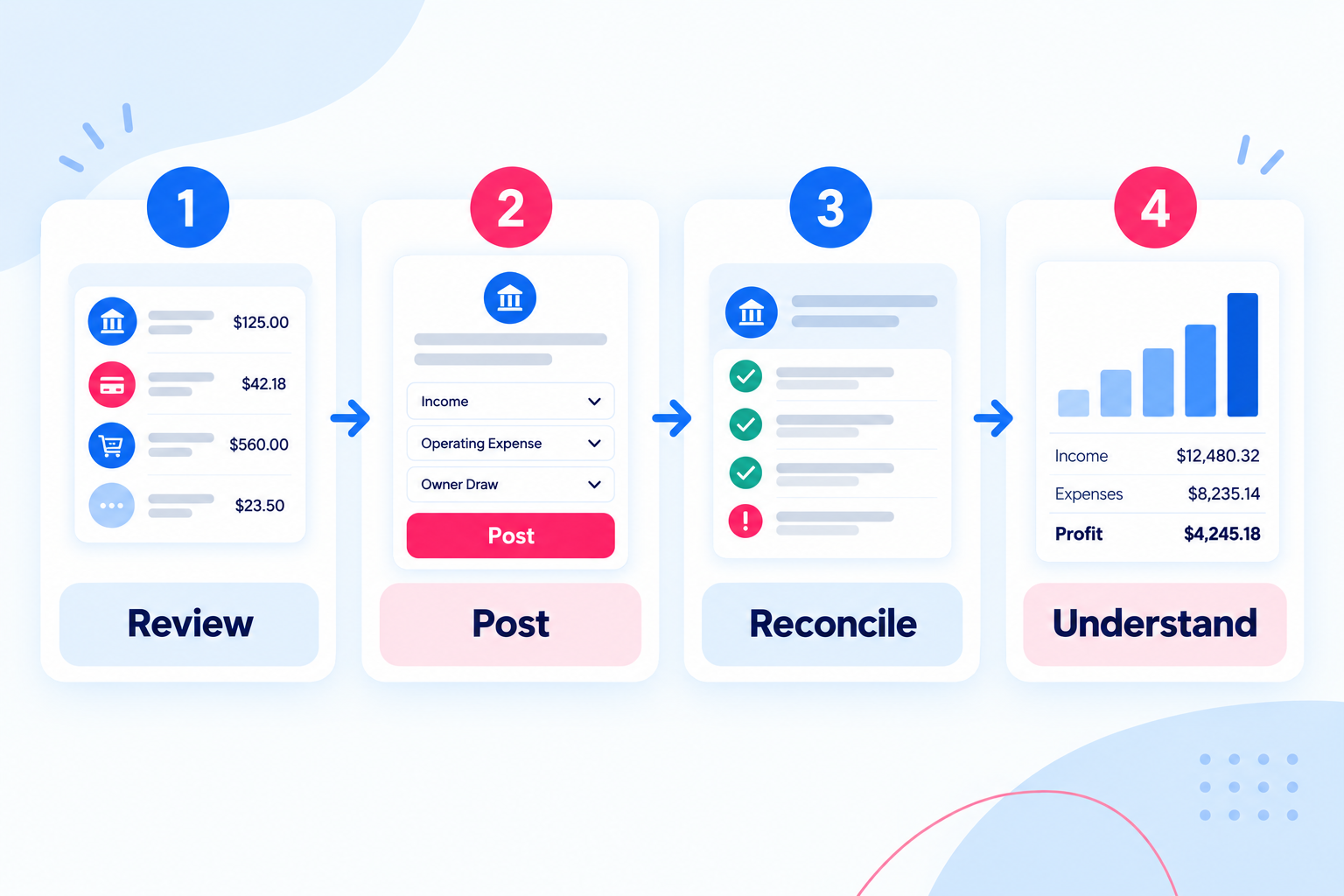
If transactions have been imported but have not been reviewed, that should be obvious.
If an account needs to be reconciled, that should be obvious.
If something is incomplete or waiting for an answer, that should be visible too.
A simple system should reduce the amount of time you spend asking, “Where do I start?”
If you are still building the habit around that workflow, start with my weekly bookkeeping checklist. It breaks the work into Capture → Categorize → Check → Confirm so the bookkeeping stays small and current.
That does not mean the software decides everything for you. It means the workflow is clear enough that you can spend your attention on the bookkeeping decision instead of figuring out the interface.
2. A clean review process before transactions hit the books
Downloaded activity is useful, but it is not the same thing as finished bookkeeping.
A bank or credit-card feed tells you that money moved. It does not automatically tell you why it moved or whether the transaction belongs in the books exactly the way the software suggests.
Simple bookkeeping software should make the difference between imported activity and posted bookkeeping very clear.
You should be able to review:
the date
amount
vendor or customer
category
transfer or payment treatment
notes or supporting information
Then you should know when the transaction is actually part of the books.
That distinction is especially important for DIY bookkeeping because a clean-looking feed can create a false sense that the work is done.
3. Intentional categorization without unnecessary friction
Categorizing transactions is one of the repetitive parts of bookkeeping, so the software should absolutely help make it faster.
Rules, remembered vendors, suggested categories, and prior history can all help.
But simple should not mean “accept everything without looking.”
The owner still needs an easy way to confirm or change the category and understand what happened.
The ideal workflow is not endless manual entry. It is fast review with enough context to make a sensible decision.
4. Transfers and credit-card payments that make sense
This is one of the places where DIY bookkeeping gets confusing very quickly.
Moving money from checking to savings is not income or an expense.
Paying a credit card is not a second expense after the individual card purchases have already been recorded.
Loan activity may involve both balance-sheet and expense components.
Owner contributions and withdrawals are not ordinary business income and expenses either.
A bookkeeping system should help the owner recognize these common money movements and handle both sides correctly without requiring a complicated workaround.
If the software makes routine transfers feel mysterious, it is not doing the simple business any favors.
5. Reconciliation built into the normal workflow
A bookkeeping system is not complete just because every downloaded transaction has a category.
Reconciliation is how you confirm that what is in the books agrees with the real bank or credit-card statement.
That is how you catch missing transactions, duplicates, timing differences, and balances that do not actually tie out.
For a small-business owner, reconciliation should feel like a normal recurring step, not an advanced accountant feature hidden in a menu.
A simple system should tell you:
which account you are reconciling
the statement ending date
the statement ending balance
which transactions are cleared
the remaining difference
And when the difference is zero, the owner should know the account is actually reconciled.
If you want a broader check before you trust the numbers, use these 7 checks for organized business finances. Reconciliation is one of the first things I would verify before relying on the reports.
6. Reports that answer normal business-owner questions
Most small businesses do not need dozens of reports every week.
They do need a few reports they can trust and understand.
At minimum, that usually means being able to see:
what the business earned and spent
what the business owns and owes
how cash is moving
whether a category or area of the business is changing
A simple report should still let you trace the number back to the transactions behind it.
The goal is not a prettier dashboard with more charts. The goal is to make it easier to answer, “What is happening in my business?”
7. Access to the underlying bookkeeping data
Your books are business records.
That means you should be able to get to the underlying data in a useful format and take it with you if you ever change systems.
This matters even when you are happy with the software today.
A practical bookkeeping system should make it possible to access core records such as:
chart of accounts
transactions
account registers
vendors and customers
journal entries
reconciliation history
core report data
Data ownership is not very meaningful if the only usable version of the books exists inside one subscription screen.
What “simple” should not mean
There is another side to this.
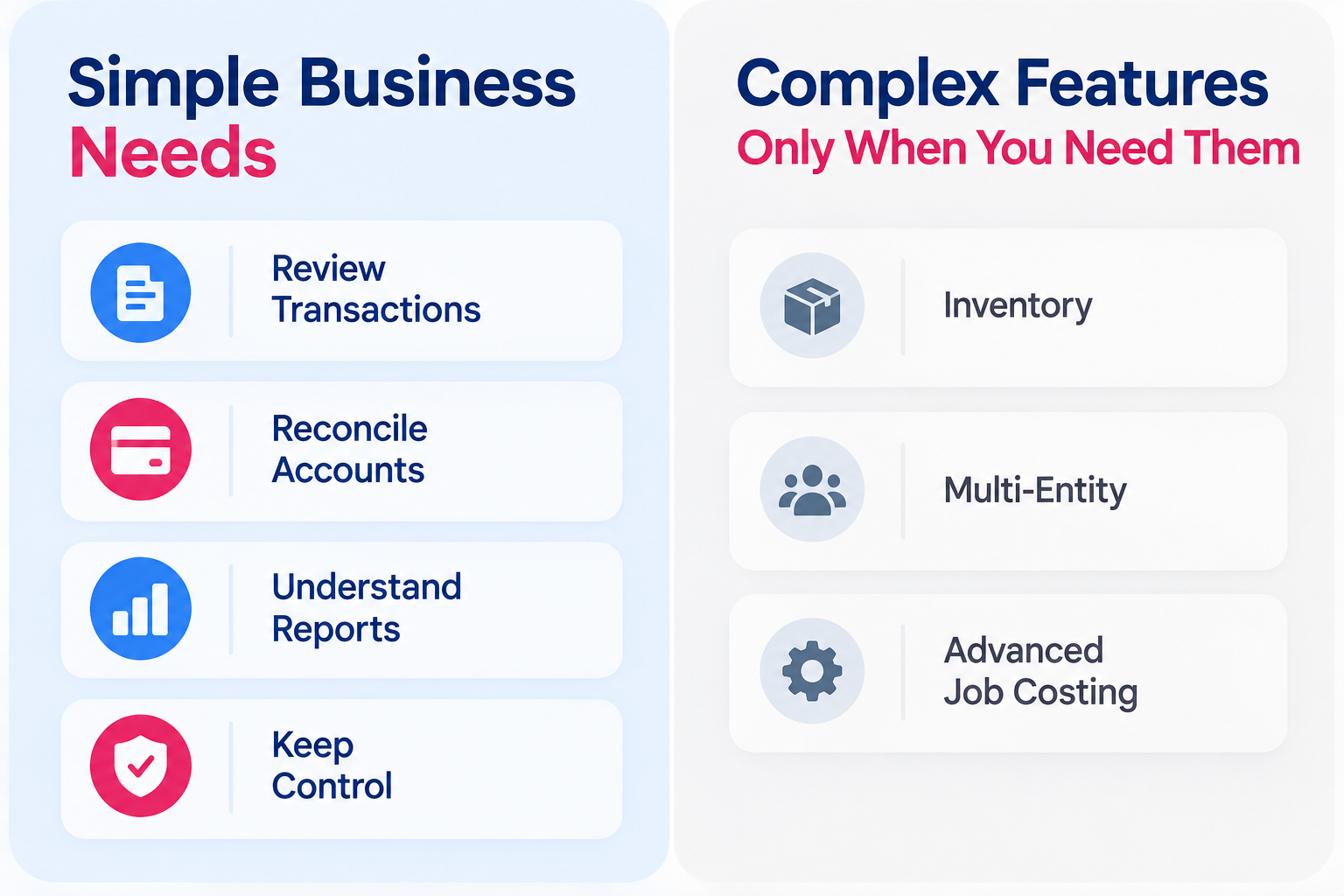
Not every business belongs in simple bookkeeping software.
If your business has complicated inventory, multiple entities, advanced job costing, complex revenue recognition, or other accounting requirements, you may genuinely need a more robust system and professional accounting support.
The goal should not be to squeeze a complex business into basic software.
The goal should be to stop forcing a straightforward business to learn complexity it does not need.
That is the distinction.
The standard I would use
If you are comparing bookkeeping software for your own business, I would ask:
Can I tell what needs my attention?
Can I review a transaction before it becomes part of the books?
Are transfers and payments understandable?
Can I reconcile my accounts without guessing?
Can I trace report numbers back to real activity?
Can I tell when something is wrong or incomplete?
Can I access my underlying data if I leave?
If the answer is yes, the software is doing the important work.
If the answer is no, adding more features probably will not fix the problem.
Frequently Asked Questions About Simple Bookkeeping Software
-
At a minimum, simple bookkeeping software should give you a clear way to review transactions before they post, categorize activity intentionally, handle transfers and credit-card payments correctly, reconcile bank and credit-card accounts, run understandable financial reports, and access the underlying bookkeeping data.
-
No. A bank feed is useful for bringing activity into the software, but imported transactions are not finished bookkeeping. You still need to review what happened, confirm the treatment, and reconcile the account to the actual statement.
-
Yes. Reconciliation is one of the basic controls that makes bookkeeping trustworthy. It confirms that the books agree with the real account statement and helps catch missing transactions, duplicates, timing differences, and balance problems.
-
Item description
-
A business may need a more robust system when it has requirements such as complicated inventory, multiple entities, advanced job costing, complex revenue recognition, or other accounting needs that go beyond a straightforward bookkeeping workflow.
I am building Foundations around these same principles for straightforward small businesses that want to do their own bookkeeping without becoming experts in complicated accounting software.